Feature guide
Everything Pdf Editor Pro can do.
Open a PDF and edit the document itself: rewrite text, move page objects, add links, place images, fill forms, sign, redact, OCR and export. Annotation is there too, but it is only one mode.
The five top modes
Editing the PDF itself
Pdf Editor Pro is a real PDF editor, not just an annotation layer. In Edit mode you can move page objects, rewrite printed text, add links and place images. These are document edits, not sticky notes drawn above the page.
The app still respects the PDF format. You can change text size and colour, but controls such as paragraph alignment, line spacing and typeface replacement stay unavailable when the finished PDF page cannot safely reflow them.
Marking up
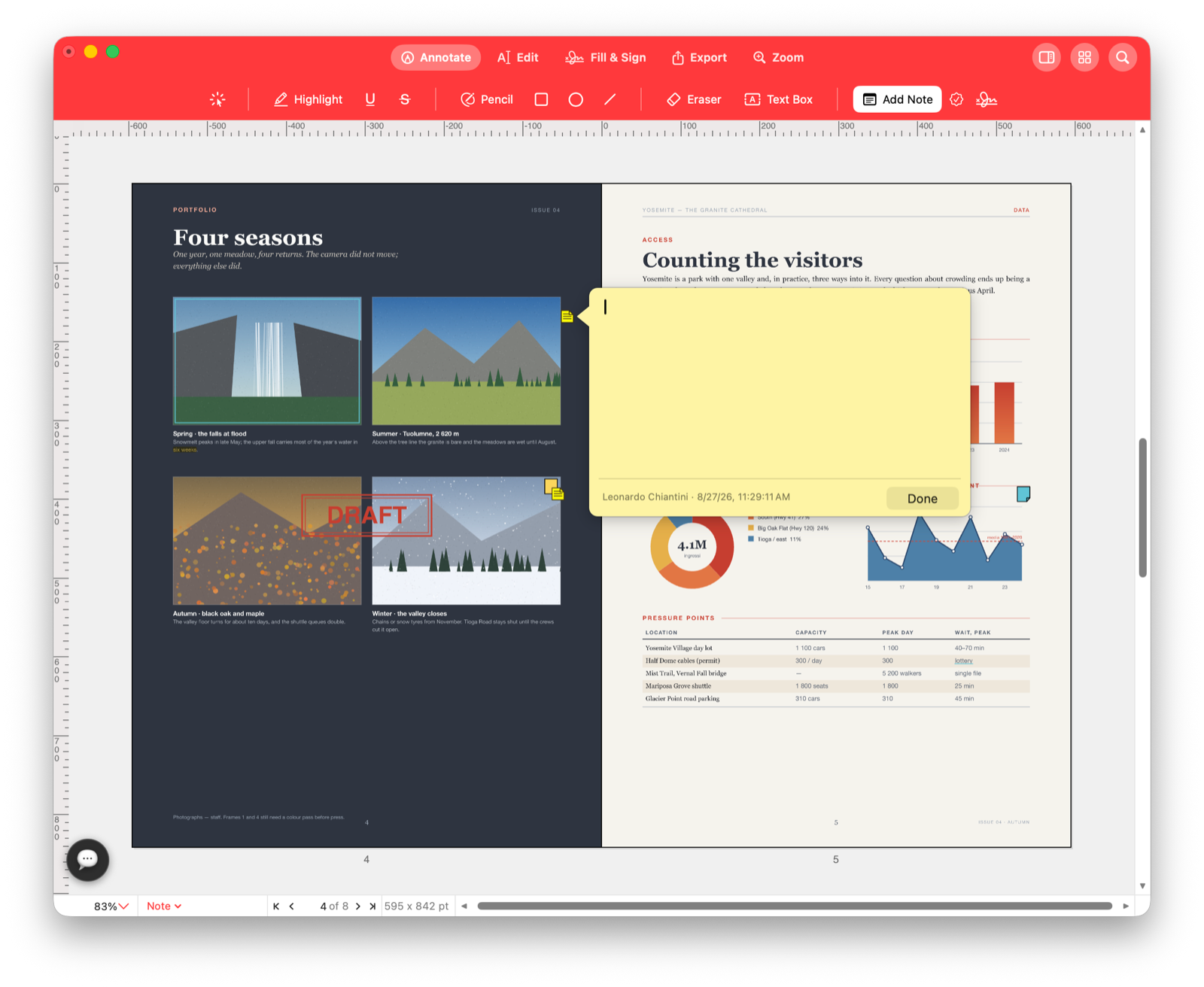
When you want review marks instead of permanent page edits, Annotate mode keeps that work separate. Drag across words for highlight, underline or strikeout. Draw with pencil or smoothed pen. Add rectangles, ellipses, lines, text boxes, notes, stamps and signatures. Pick any annotation later to move, resize, restyle or erase it.
Working with text
Select and copy real page text, search with Command-F, and rewrite printed text directly. You can delete words, insert new ones, add text on an empty page, and change size or color. This changes PDF text content; it is not a comment overlay.
Typeface, alignment and line spacing controls stay unavailable because finished PDF pages do not contain reflowable paragraphs.
Pages
Add, insert from another file, duplicate, move, delete, rotate, extract, crop and merge pages. Organize Pages shows a drag-friendly thumbnail grid. The app also supports bookmarks, page numbering, Bates numbering, headers, footers and watermarks.
Forms and signing
Fields light up under the pointer. Click to type, tick a checkbox, choose a radio button and use Tab to follow the document's own field order. For documents without fields, type directly onto the page and place signatures from your saved signature library.
Redaction and OCR
Mark words or areas for redaction, then apply them so the hidden text is removed from the file. OCR recognizes text in scans so pages become searchable and copyable; pages that already contain text are skipped to avoid duplicate layers.
Color and print
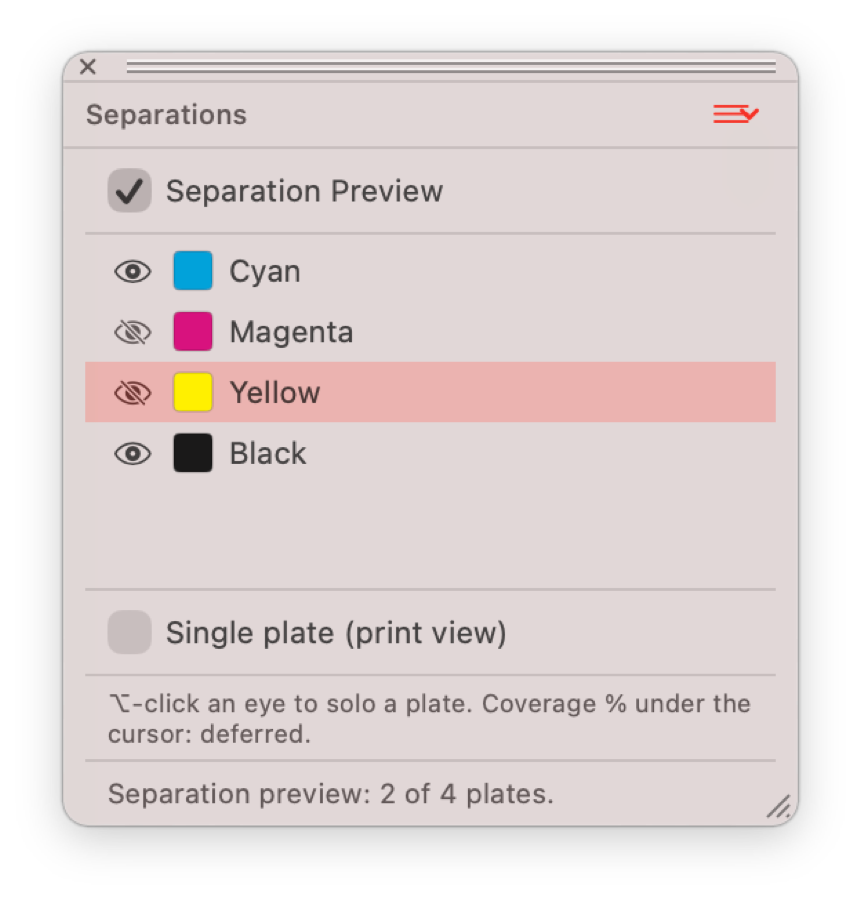
Pdf Editor Pro understands RGB, CMYK and named spot inks with tints. It detects the inks a document uses, previews each printing plate on its own and can open a document in the color mode it was built for.
Export and saving
Export as PDF, compressed PDF, PNG, JPEG, TIFF, Word DOCX, or a single page as SVG. Saving appends changes to the original PDF structure; an untouched document remains byte-for-byte the file you opened.
AI assistant workflow
Pdf Editor Pro exposes document tools through MCP. After setup, compatible assistants can open a document, read pages, search text, rewrite PDF text, move page objects, add links and images, annotate, add notes and stamps, move pages, fill fields, watermark, render pages and undo actions.