OCR for scans
Recognize text on scanned pages so it can be searched and copied. Pages that already contain text are skipped.
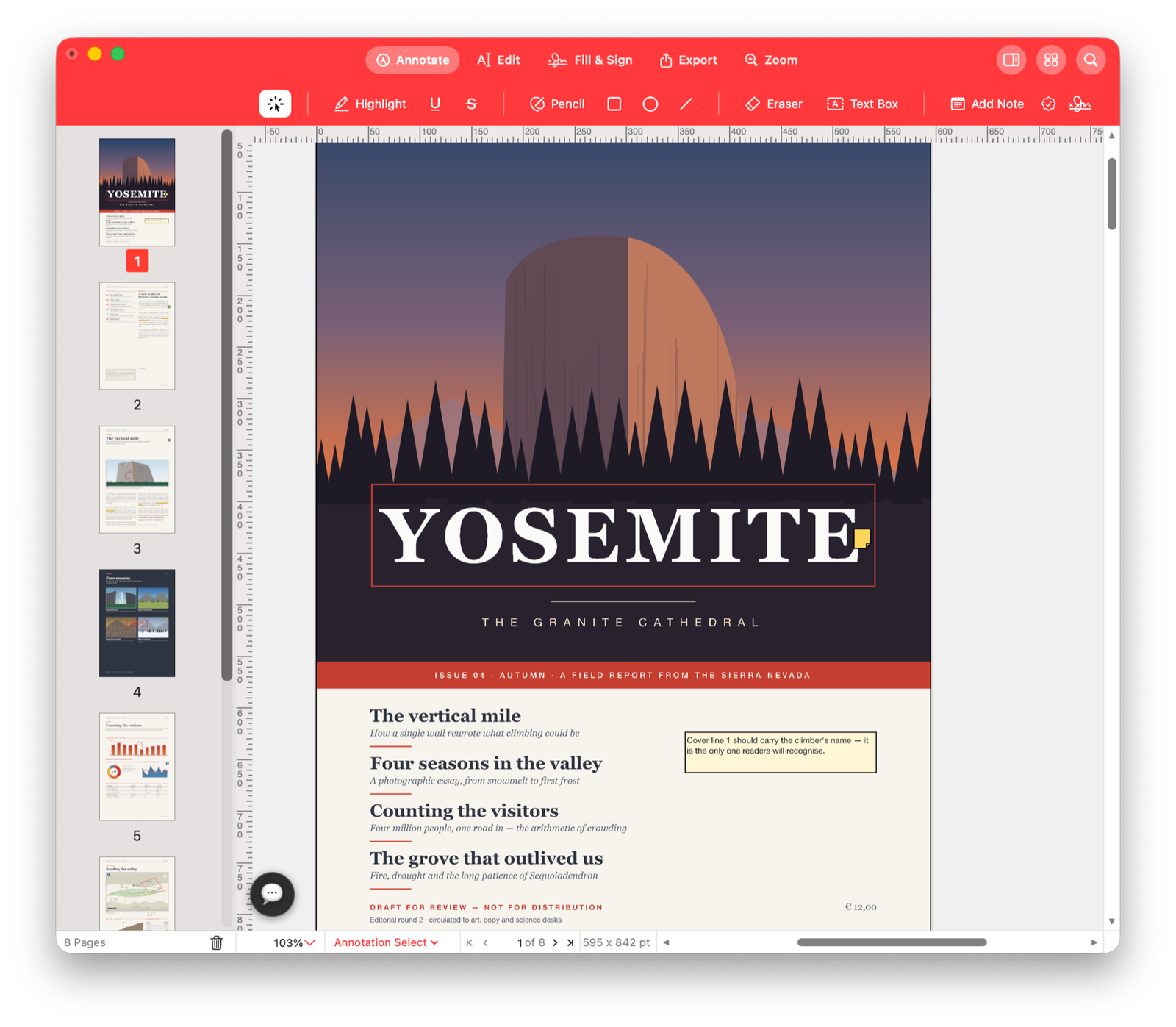
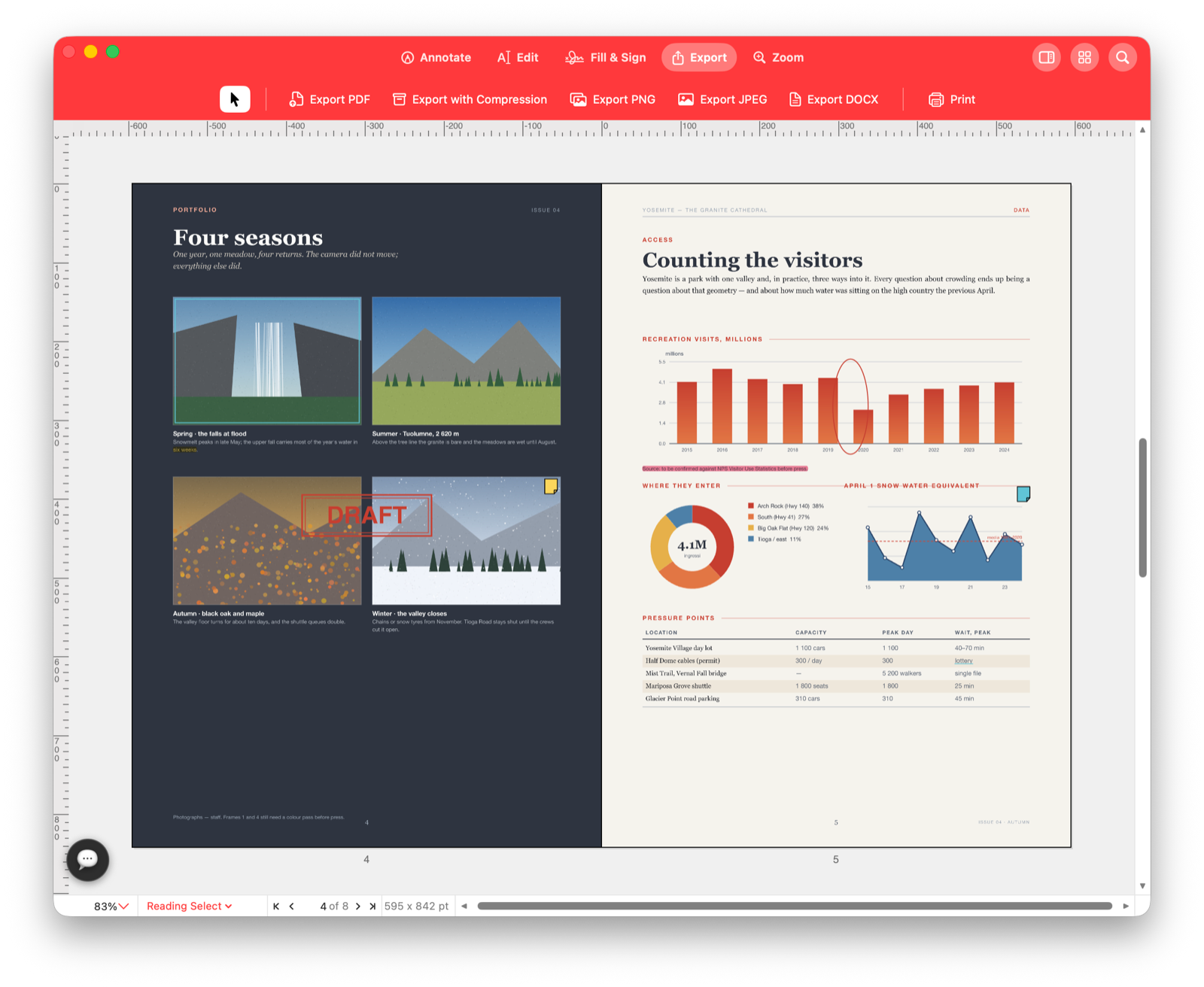
Native Mac PDF editor
Mark up, edit, fill, sign, redact, prepare for print and hand documents to AI assistants from one fast Mac workspace.
Review without damaging the page
Highlights follow selected text. Pencil, pen, lines, rectangles, ellipses, text boxes, notes, stamps and signatures sit on top of the PDF and can be moved, resized, restyled or removed later.
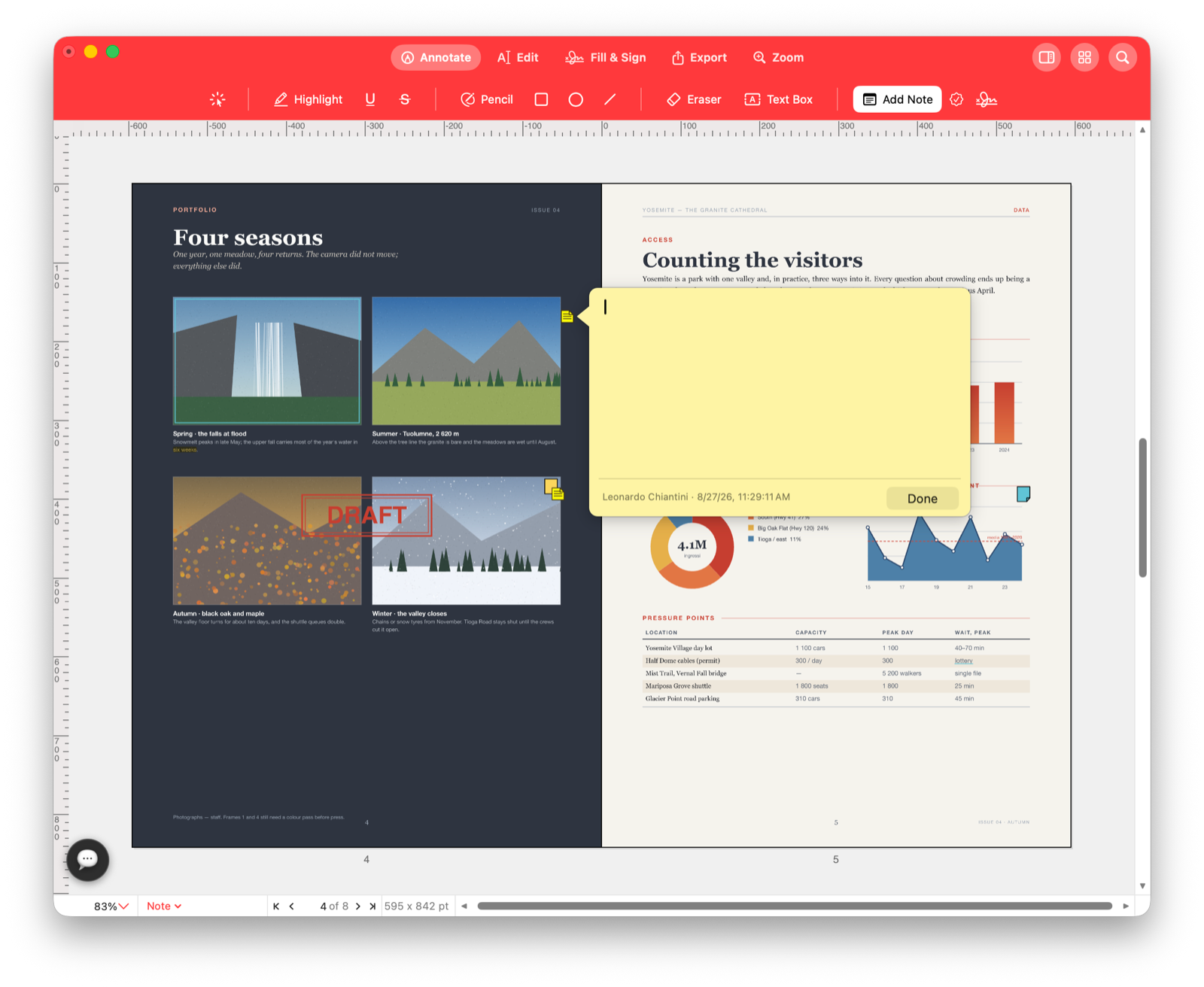
Built for real PDFs
When a command would fake a result, it stays unavailable and explains why. You can rewrite real text, search and copy text, edit solid colors, place images and links, while controls that would require impossible paragraph reflow stay honest.
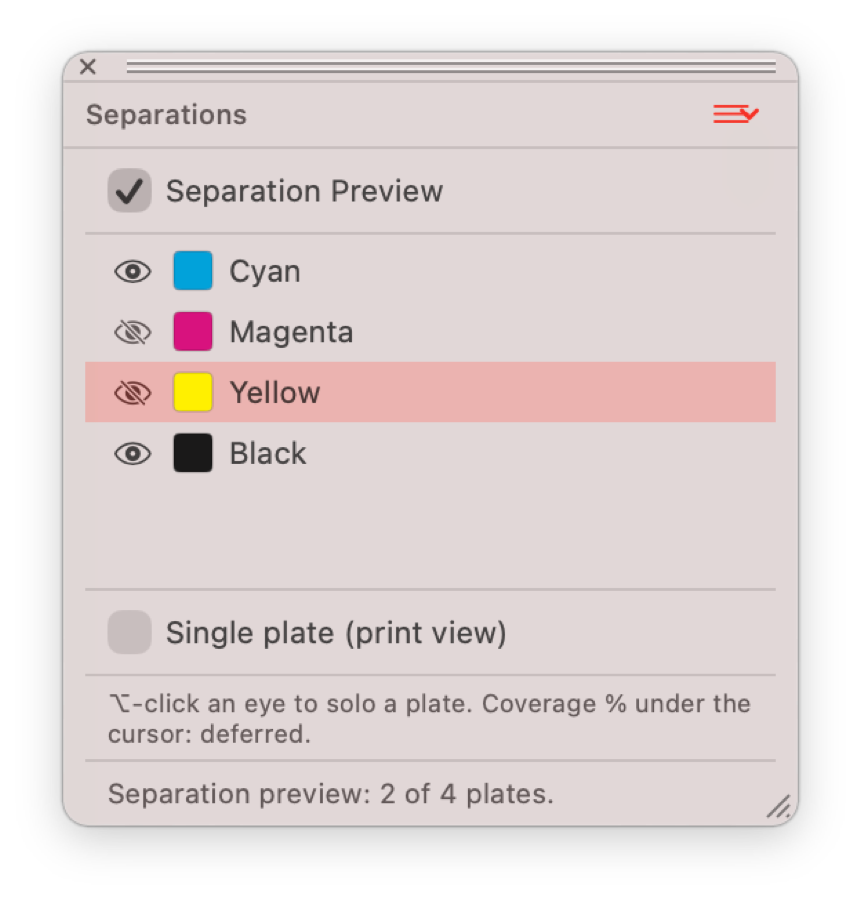
Color and print
Pdf Editor Pro understands screen and print color. It detects RGB, CMYK and named spot inks, shows which inks the document uses, and previews individual printing plates for production checks.
Everything in reach
Recognize text on scanned pages so it can be searched and copied. Pages that already contain text are skipped.
Fill fields, tick checkboxes, choose radio buttons and drag saved signatures from a palette.
Use thumbnail grids to move pages, insert from another PDF, extract ranges and assemble final packets.
Add page numbering, Bates labels, headers, footers and watermarks, or remove existing watermarks.
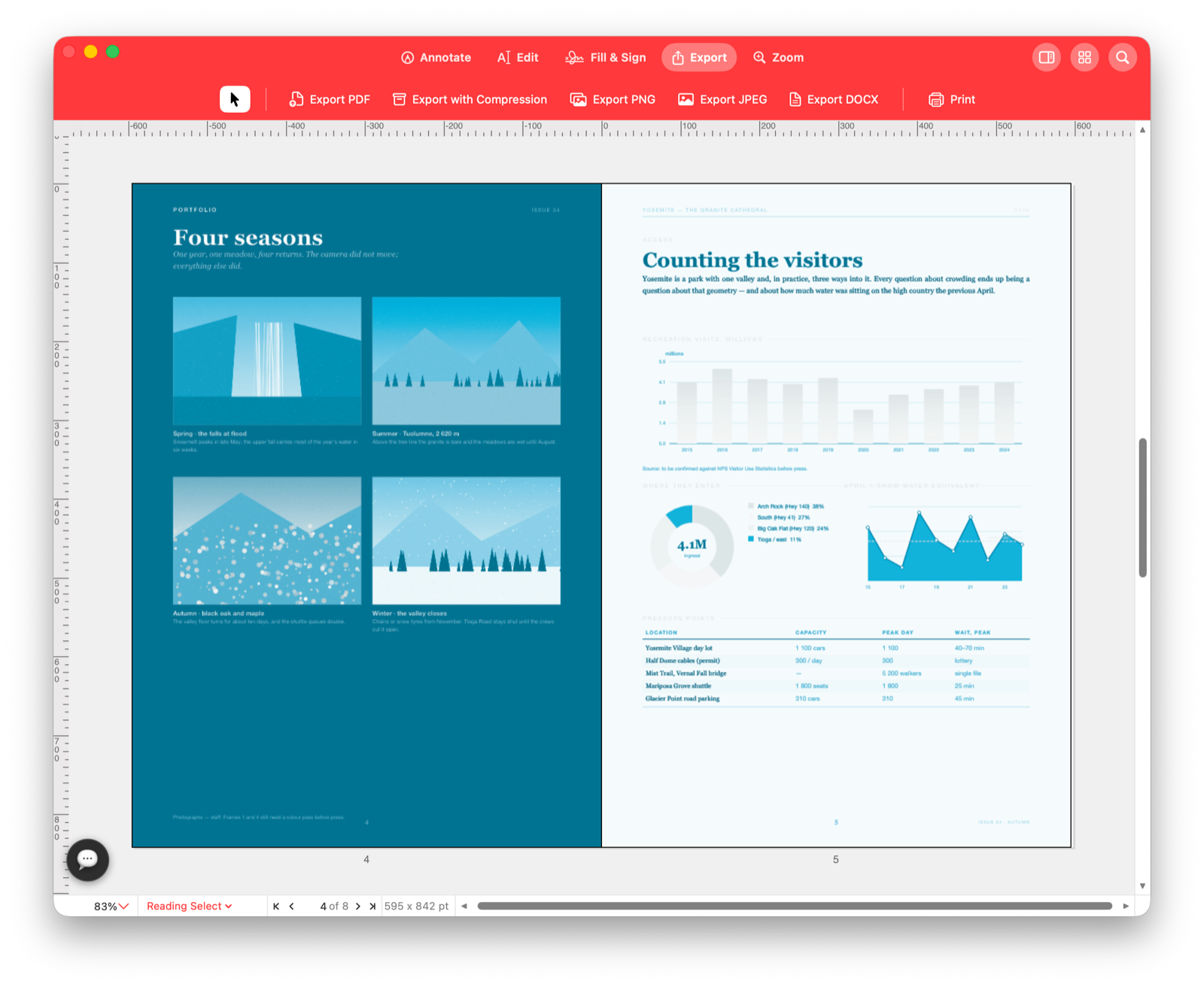
Export as PDF, compressed PDF, PNG, JPEG, TIFF, DOCX, or a single page as SVG.
Connect Claude Desktop, Codex, VS Code or any MCP client to open, search, annotate, edit and render documents.
AI-ready without a separate workflow
Open Help, copy the MCP configuration, and your assistant can read pages, search for words, highlight, add notes and stamps, rewrite text, move pages, fill fields, apply watermarks, render pages and undo actions through the same machinery as the app UI.
For Mac documents that need real work
The site is ready for the App Store link when the listing is live. Until then, this section anchors every download call-to-action.
Read the full feature list